Become visible for a moment.
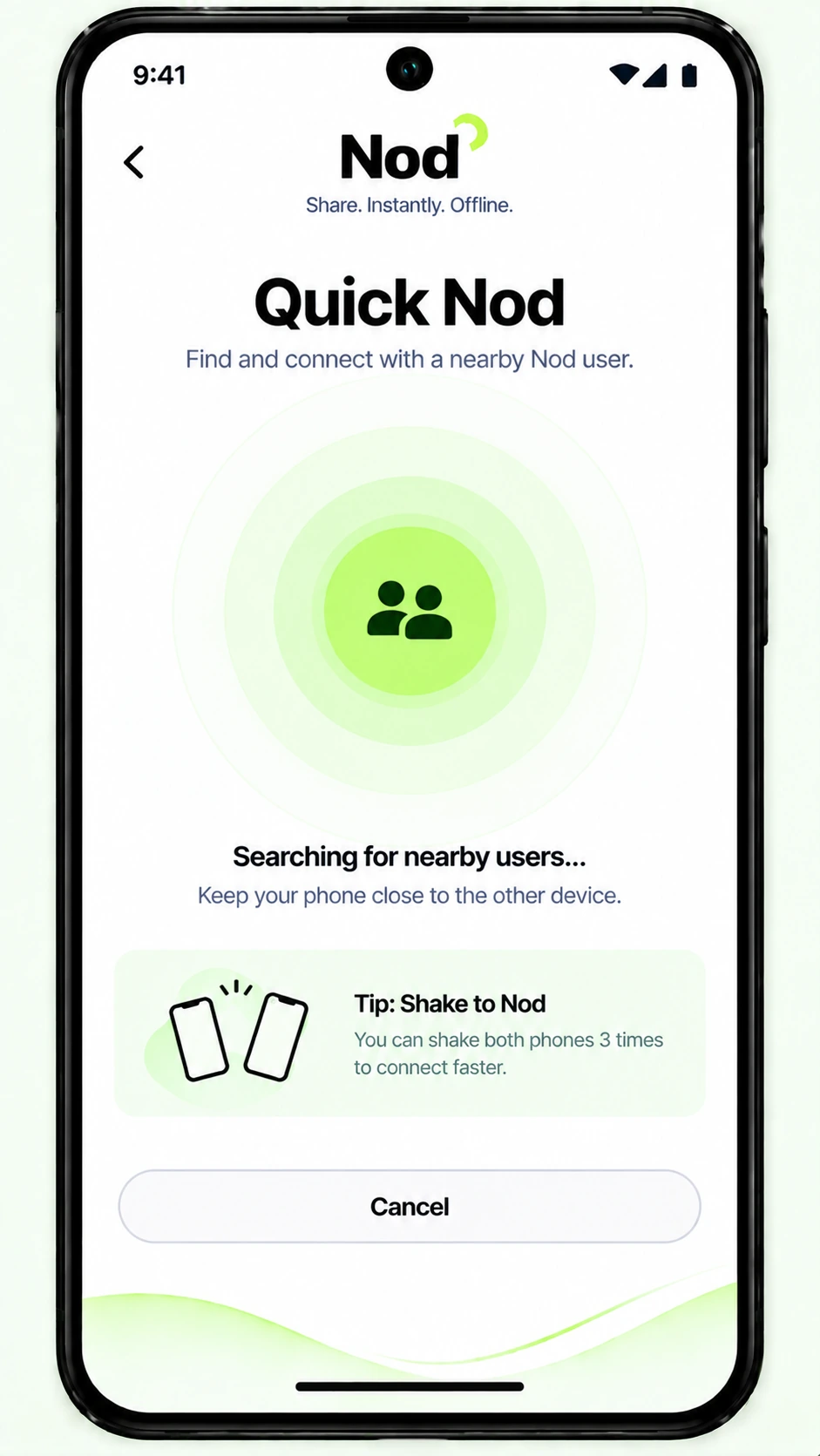
Quick Nod opens a short nearby window instead of broadcasting your identity all day.
Exchange your own digital card or send a file to the person standing beside you — no account, no typing numbers, no internet dependency.
Scroll through the same journey your phone takes — from finding the person to saving the card.
Quick Nod opens a short nearby window instead of broadcasting your identity all day.
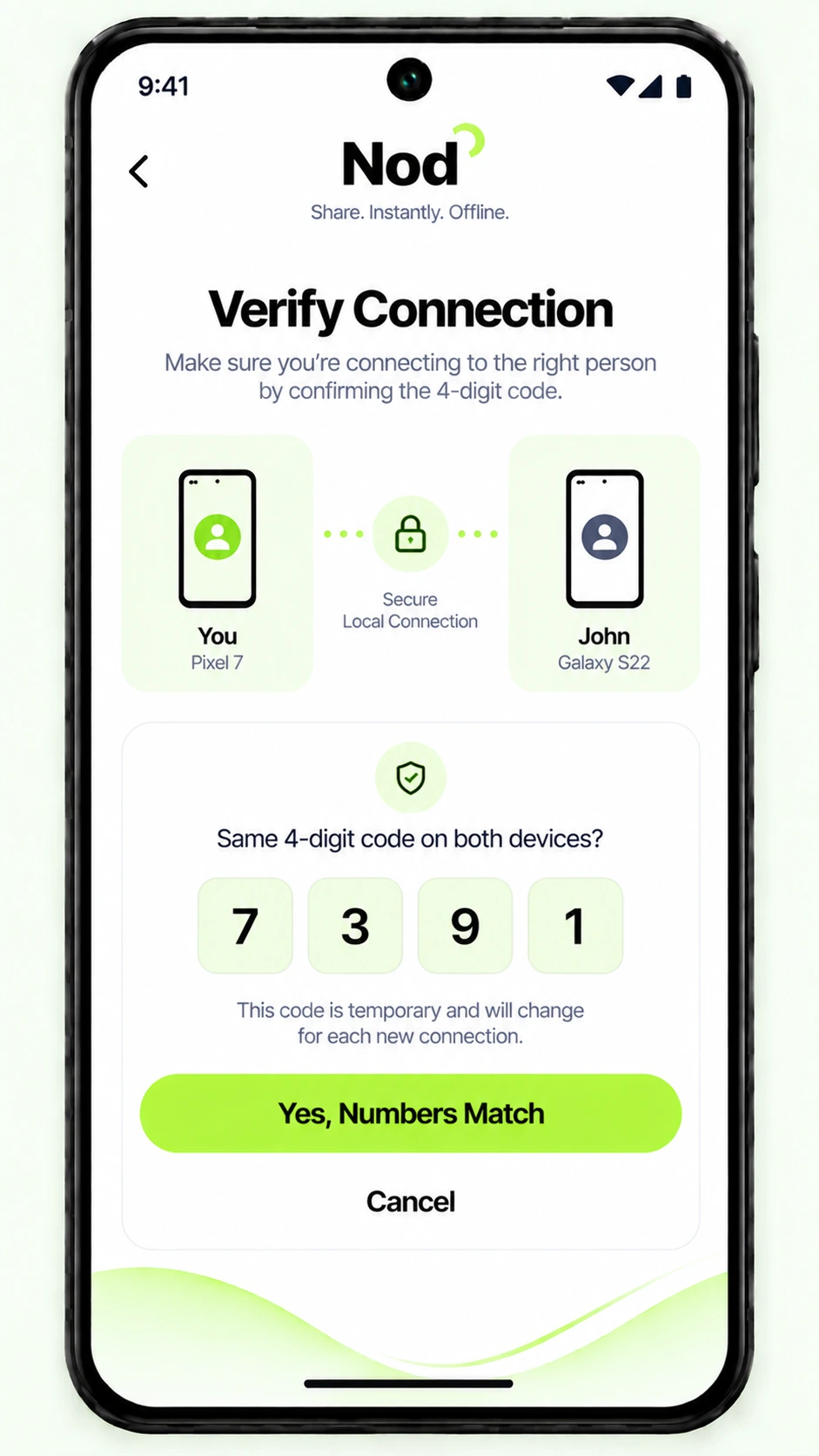
Both phones confirm the same temporary code before the session becomes trusted.
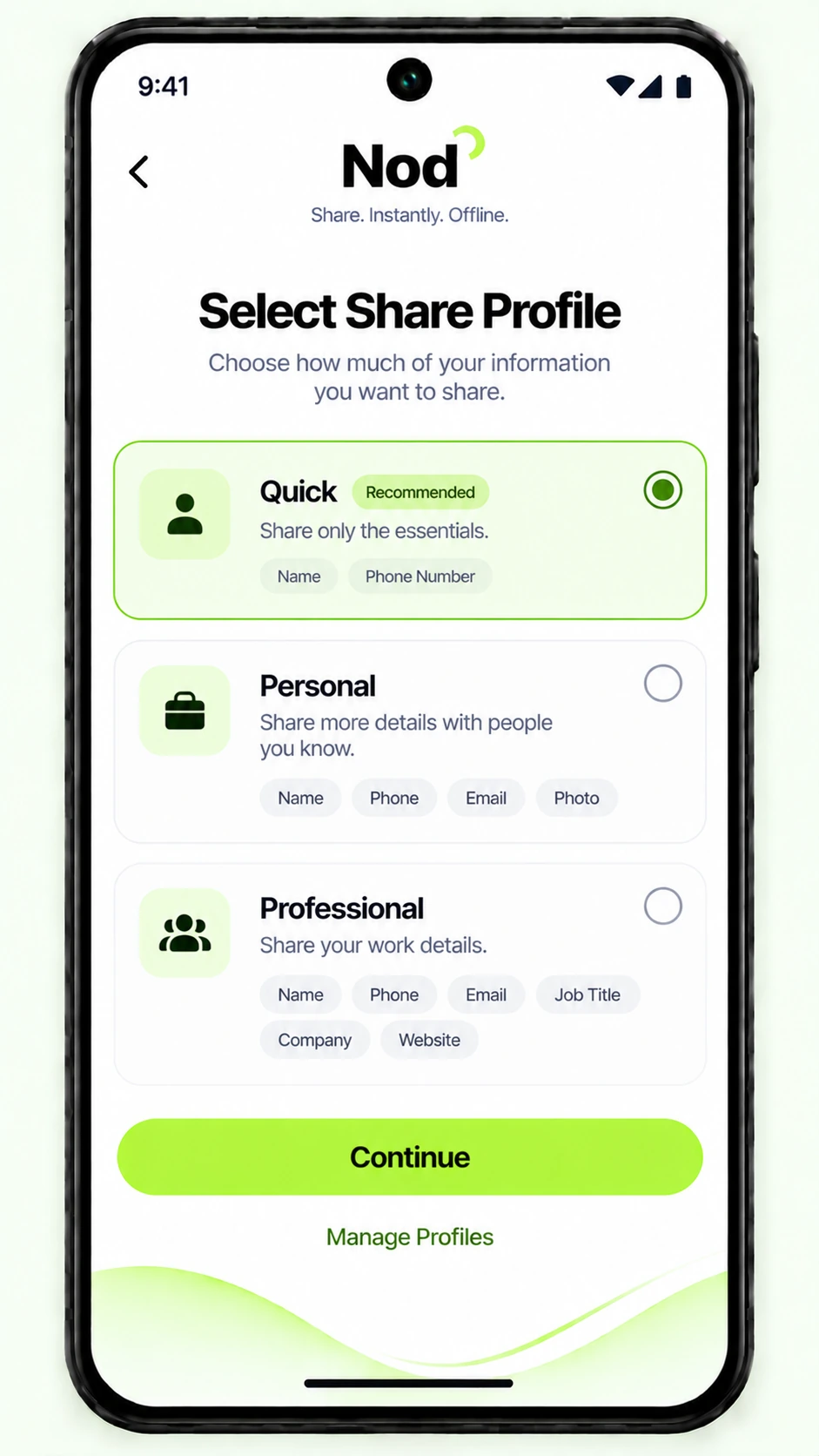
Use a quick introduction or your full professional business card — without exposing everything by default.
Name, phone, role, company, website — selected by you, not pulled by the other person.
Connecting does not mean automatic access. The person on the other side still chooses to receive.
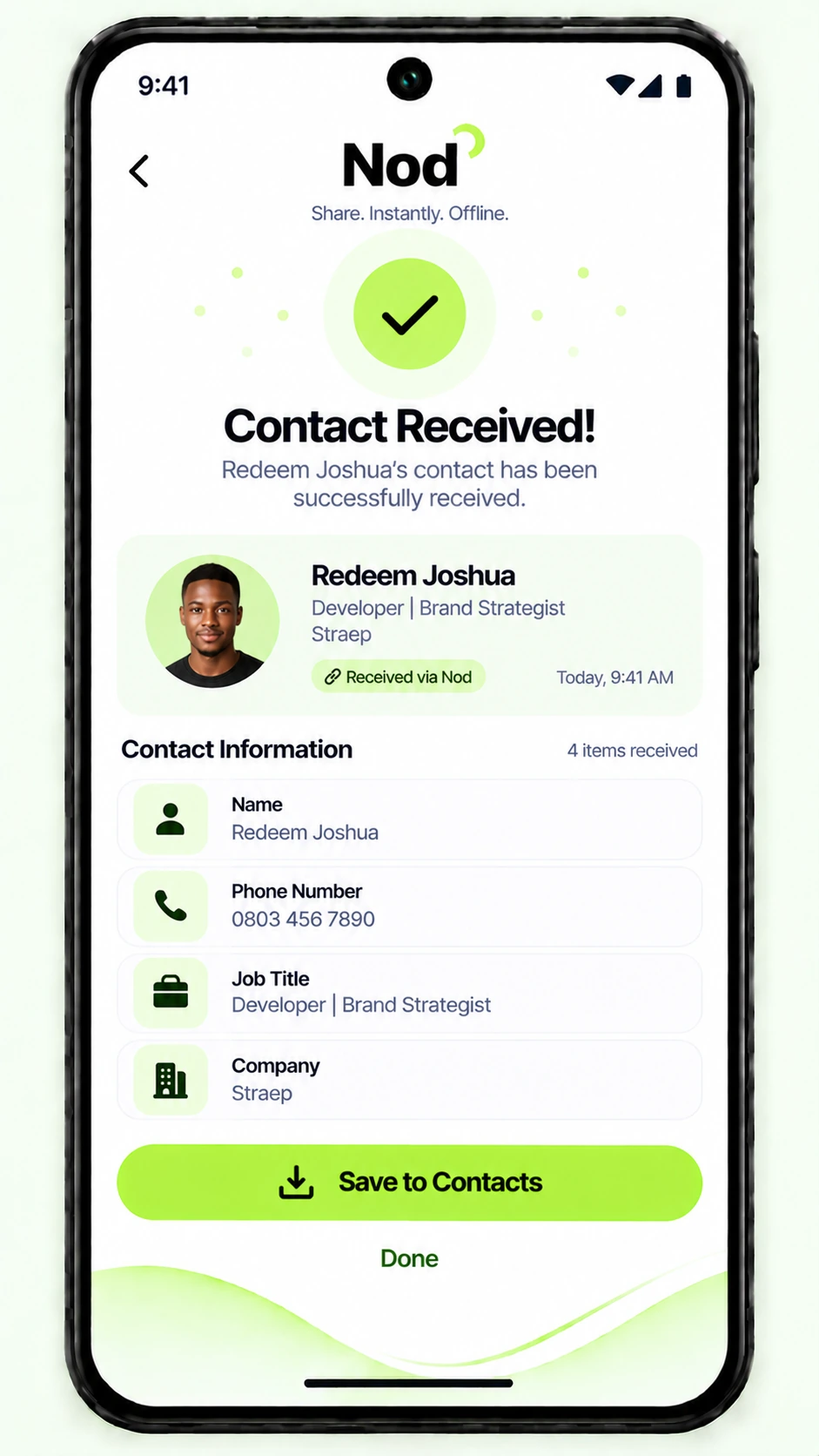
Review the card, save it to the phone, and get back to the conversation.
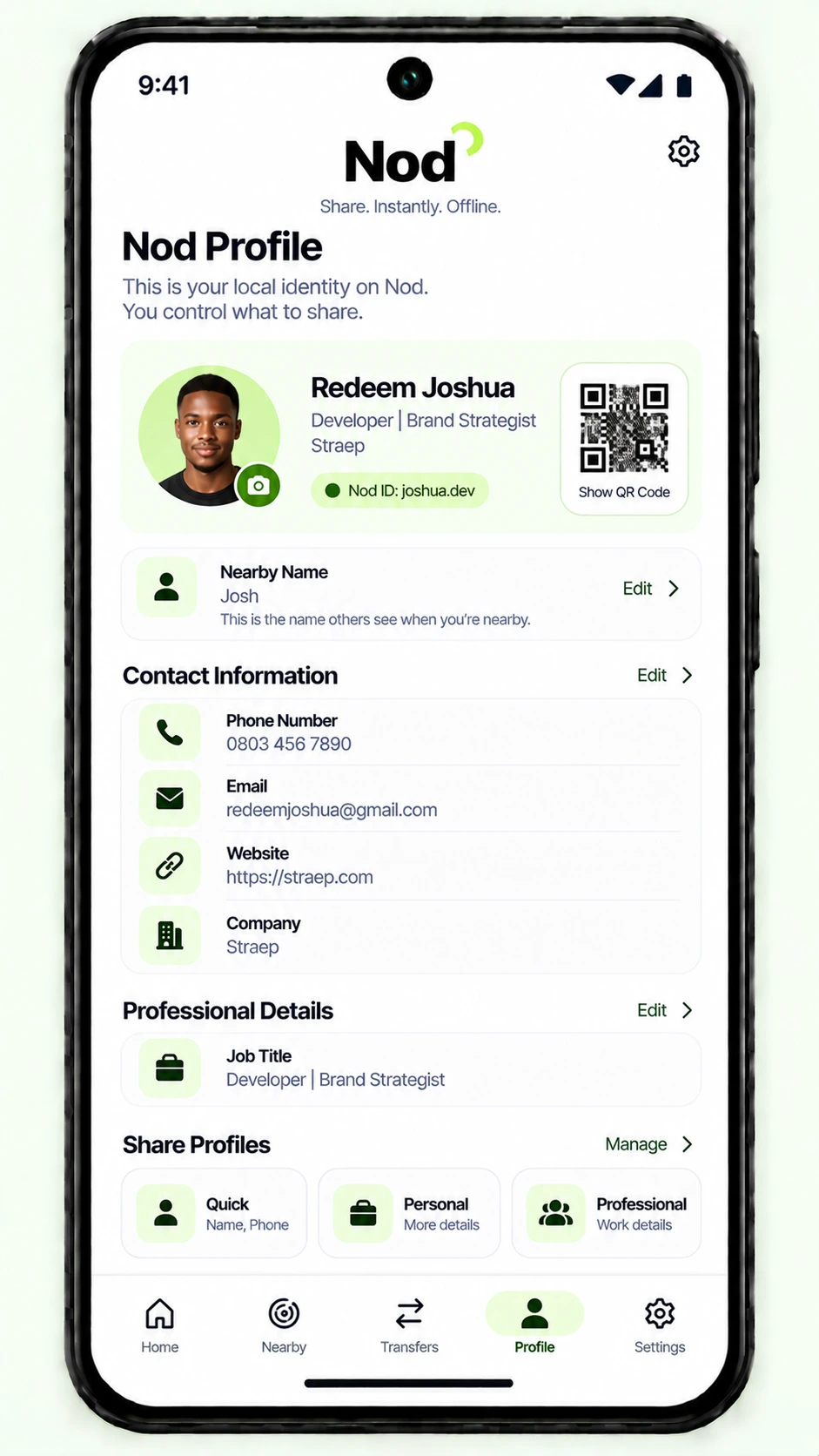
Your Nod Profile stays private on your device. Share Profiles decide what another person actually gets.
QuickName + phone for a fast intro.
PersonalAdd email or photo when it makes sense.
ProfessionalCompany, role, website and business details.
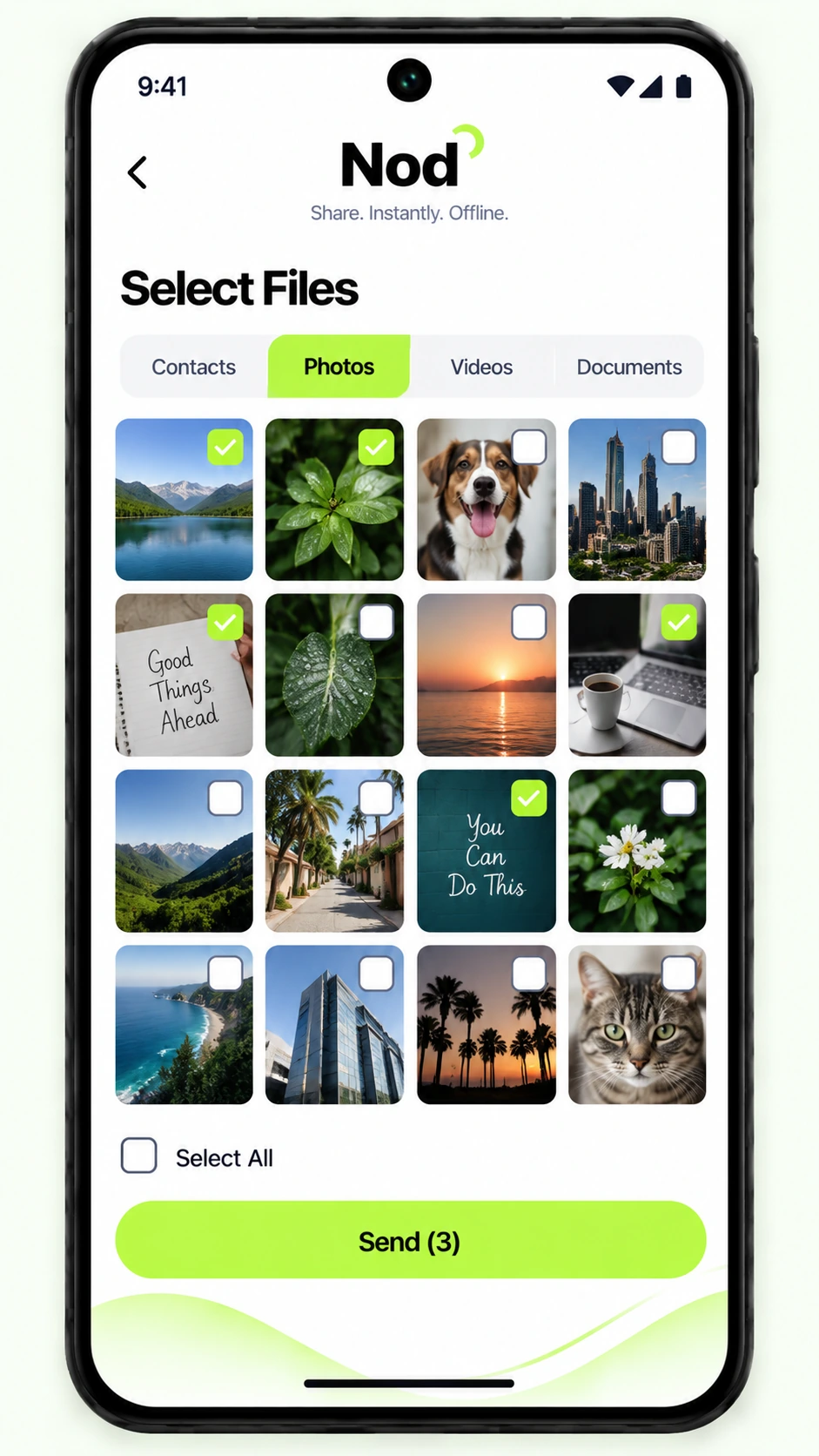
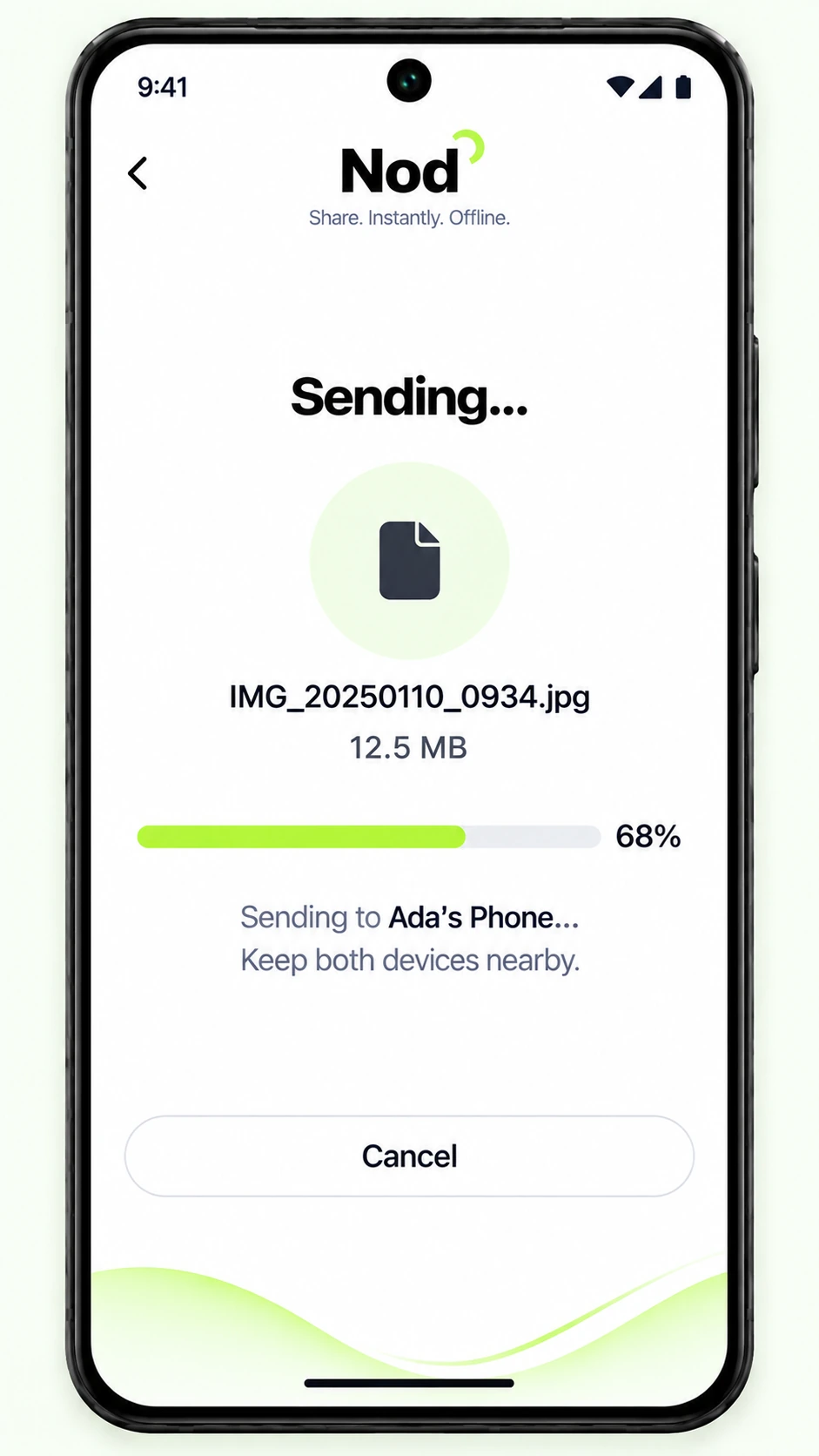
Send the presentation after your pitch. Pass the event photo. Move a PDF, video or document without asking for a username or cloud-drive link.
Nod is built around a simple rule: nearby does not mean entitled to your information.
No contact-book browsing. Nod shares your own Nod Card, not everyone stored on your phone.
Short visibility windows. Quick Nod can make you discoverable temporarily instead of permanently.
Two approvals. Trusting the device and accepting the content are separate decisions.
Local identity. Your profile is designed to live on your phone until you choose to share it.
Nod should take only a few seconds of attention: find the person, verify, choose your card, exchange — then put the phone away and keep talking.
 Android first
Native Android. Nearby. Offline. Designed for the moment you actually meet someone.
Back to the top ↑